1
To open the conversation
Enough to restart things without forcing an immediate answer.
That was my fault and I own it completely.
A one-line apology is not the whole repair — it is the door. It gets a conversation started with your senior without demanding an immediate answer, which is exactly what you want when things are still raw. Send one, then be available.
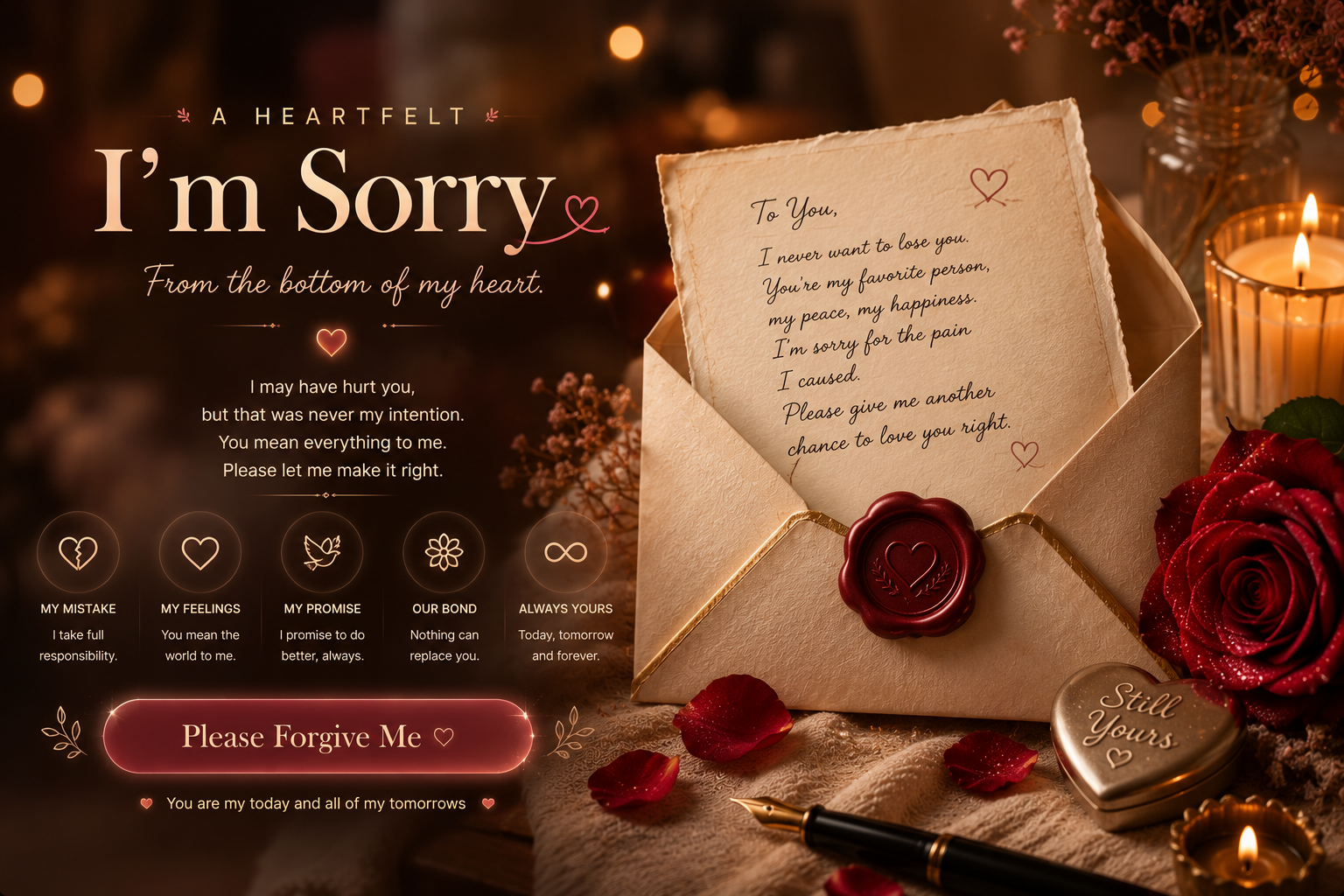
Single-sentence apologies for texts, captions and opening the conversation. For a senior, a one line sorry message works because it sounds like you rather than like a greeting card — the single strongest signal that a message was written and not forwarded. On BuildNectic you can also send a personalised sorry website — a private apology page that opens slowly instead of in a notification bar — your words paced line by line, your photos, and a folded paper letter they unfold themselves — which arrives as a single private link on WhatsApp and needs no app or account to open.
Enough to restart things without forcing an immediate answer.
That was my fault and I own it completely.
For the apologies that have to travel before you can.
I am sorry, senior. I mean it properly this time.
When the only thing left to add would be an excuse.
I was wrong and I am sorry.
The one you would rather not send, which is usually the one that works.
I am sorry — no excuses, no buts.
So the night does not do the damage that the argument started.
You were right. I should have listened.
For sending while it is still raw, when anything long will read as a defence.
I am sorry for hurting you. I know I did.
Asks for nothing, so there is nothing they have to decide right now.
I am here whenever you are ready, and I am sorry.
A long apology in a chat window gets read in three seconds between other notifications. The same words on a private page open slowly — one line at a time, with a few team photos behind them and a folded letter they unfold themselves. Same words, completely different reception.
Create the apology page for your seniorPut down what you actually want to say, with as much space as it needs.
Attach the pictures that remind them why this is worth repairing.
Share it privately — no app, no account, nothing for them to install.
Do not put a question at the end. "Sorry, can we talk?" puts the decision on them while they are still upset, and a no feels final. A statement with no question leaves them free to respond whenever they are ready, which makes a response far more likely.
One Line is the wrong register when the other person is already in a heightened state about something else — it can read as tone-deaf. If you are unsure, the plainest possible version of the same sentiment is never the wrong call with a senior.
Single-sentence apologies for texts, captions and opening the conversation. For a senior, a one line sorry message works because it sounds like you rather than like a greeting card — the single strongest signal that a message was written and not forwarded. On BuildNectic you can also send a personalised sorry website — a private apology page that opens slowly instead of in a notification bar — your words paced line by line, your photos, and a folded paper letter they unfold themselves — which arrives as a single private link on WhatsApp and needs no app or account to open.
Yes, and it is the option most people are switching to. A BuildNectic sorry website is a private apology page that opens slowly instead of in a notification bar — your words paced line by line, your photos, and a folded paper letter they unfold themselves. You personalise it in a few minutes, get a private link, and send it on WhatsApp — your senior opens it in their browser with nothing to install and no account to create.
Shorter than you think. A long apology reads as a defence, because length invites explanation and explanation invites excuses. Two or three sentences that name what you did, without a single "but", outperform a paragraph almost every time — save the longer version for when you are face to face with your senior.
No. The link opens full-screen in any browser on any phone or laptop — no download, no sign-up, nothing for your senior to install. It works on Android and iPhone, and it stays online afterwards so they can reopen it later.
Single-sentence apologies for texts, captions and opening the conversation. It suits a senior when that is genuinely how the two of you speak to each other. If the tone would surprise them coming from you, it will read as copied — which is the one thing that undoes a good message regardless of how well it is written.
A long apology in a chat window gets read in three seconds between other notifications. The same words on a private page open slowly — one line at a time, with a few team photos behind them and a folded letter they unfold themselves. Same words, completely different reception.
Create the apology page for your senior